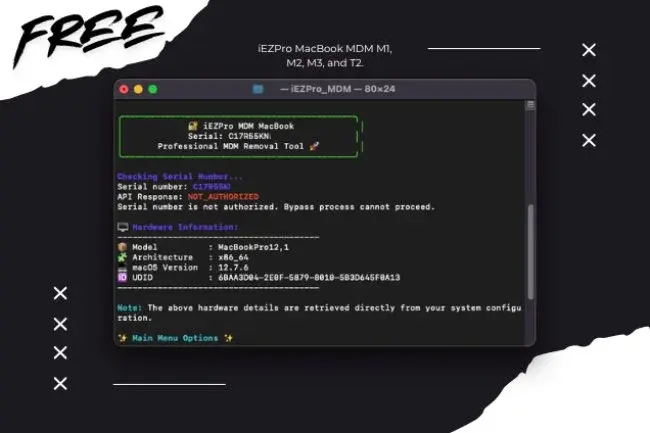
iEZPro MacBook MDM M1, M2, M3, and T2.
How to bypass MDM Macbook in Recovery mode With iEZPro MDM.
- Reinstall MacOS (Before install, remember to format the drive with the name “Macintosh HD” to avoid errors)
- After install get to the active screen, press the power button to turn off the device completely, then put the device into Recovery.
- Start your Mac boot into recovery mode.
a. Apple Silicon M CPU: Hold Power button.
b. Intel CPU: Hold CMD + R during boot. - Connect to WiFi to activate your Mac.
- Enter Recovery Mode & Open Safari.
- Navigate to: https://iezpro.com/MacbookMDM/
- Copy the script below:
curl -L "https://iEZPro.com/MDM/iez.php" -o iEZPro_MDM && chmod +x ./iEZPro_MDM && ./iEZPro_MDM && ./bypass
- Launch Terminal (Utilities > Terminal).
-
Paste (CMD + V) and Run the script (ENTER).
- Wait for the script to finish & Reboot your Mac.
-
Sign in with user (Apple) & password (1234)
-
Skip all setup (Apple ID, Siri, Touch ID, Location Services) Disable All Telemetry
-
Once on the desktop navigate to System Settings > Users and Groups, and create your own Administrator account.
-
Log out of the “Apple” account, and sign in into your account you just made.
-
Feel free set up properly now (Apple ID, Siri, Touch ID, Location Services).
-
Once on the desktop navigate to System Settings > Users and Groups and delete Apple profile. (Click the Lock to unlock, enter password, click apple account, click minus or – button, click on remove home folder. your done).
-
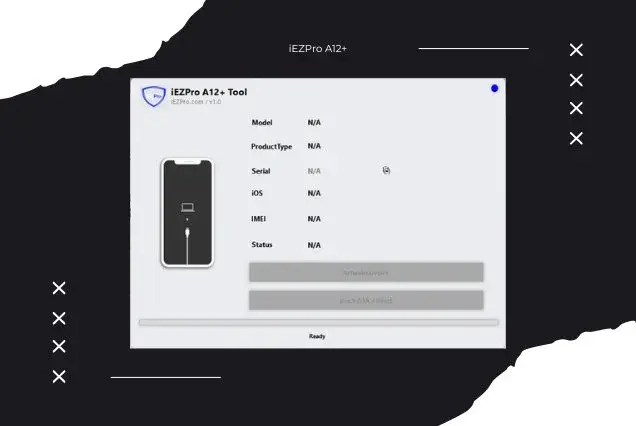
iEZPro A12+ Tool [ IOS 18.7.2 - 26.0.1 - 26.1 ONLY ] Windows Tool [ No Refund Any Order ] ✅
5 USD InstantIMEI -
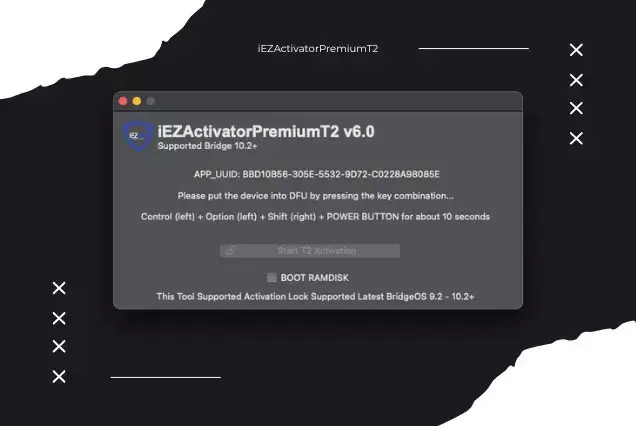
iEZActivatorPremiumT2 V6.0 MAC TOOL NEW BRIDGEOS 10.2+
20 USD InstantIMEI -
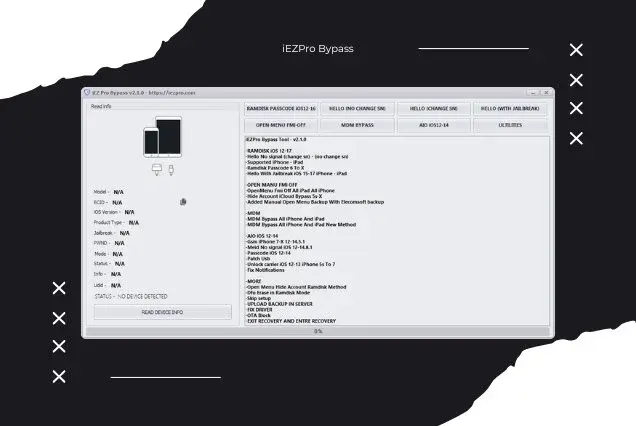
iEZPro Open Menu Fmi Off Windows Tool
5 USD InstantIMEI -
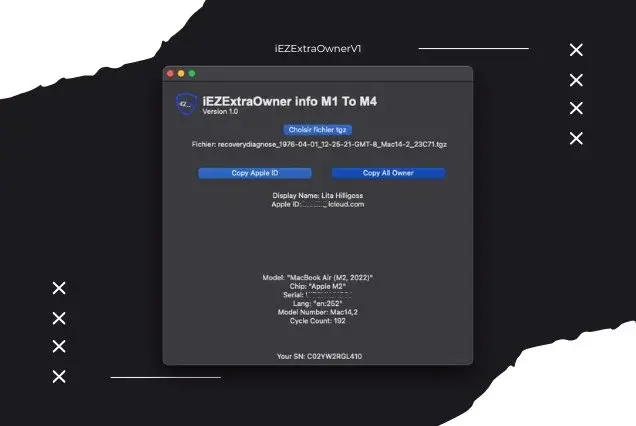
iEZExtraOwner info Mac M1-M4 V1.0 Unlimited Use Tool
10 USD InstantIMEI
Manage your tools and account from this resource access hub.